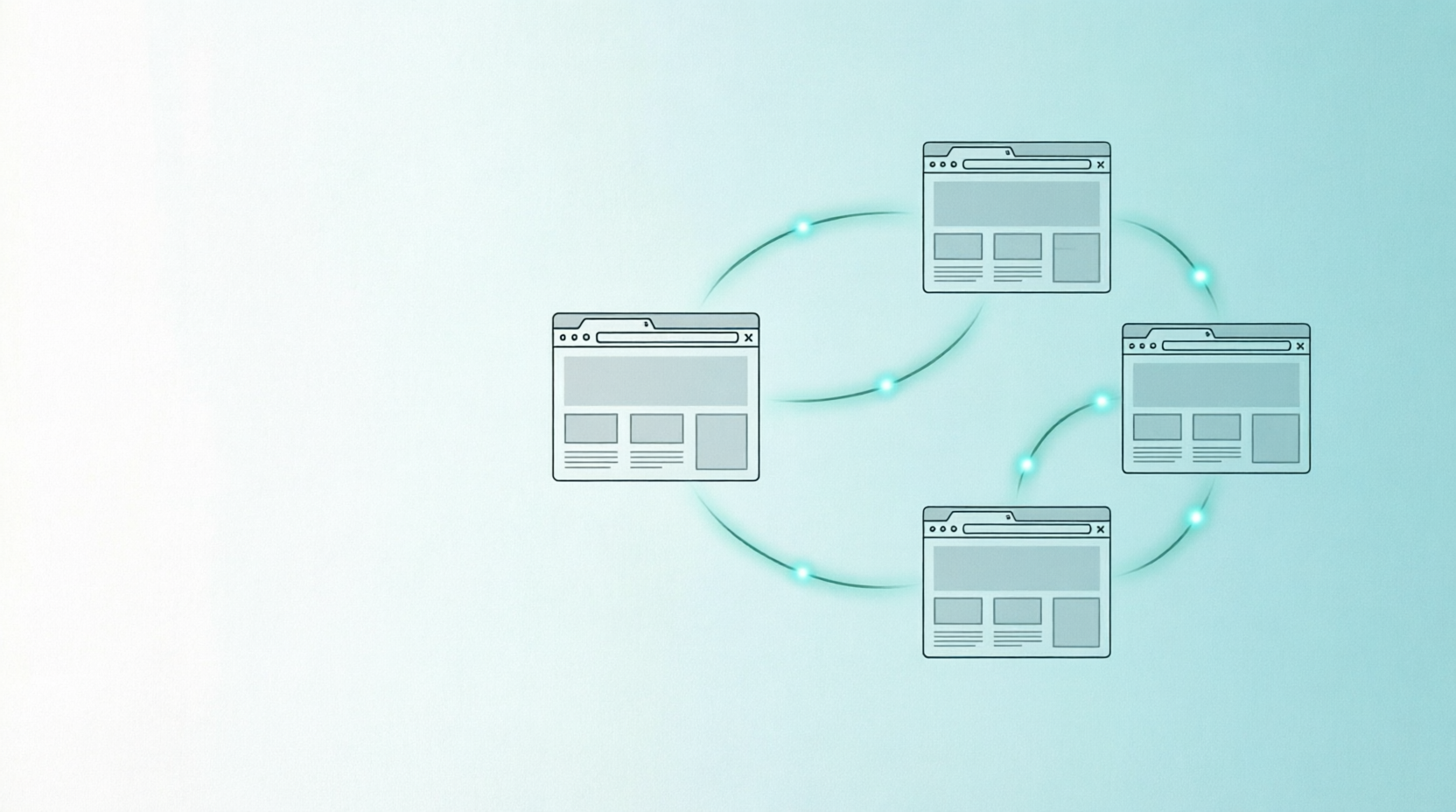
跨页面数据传递:postMessage 与 BroadcastChannel
小俞2026-08-07 13:44:22
在前端开发中,不同页面之间的通信是一个常见需求。本文将介绍两种主流方案:postMessage 和 BroadcastChannel,并分析它们各自的适用场景。
1
postMessage — 跨域通信的经典方案
基本原理
在不同页面中,通常使用监听 message 事件实现跨页面通信。核心思路是:一方发送,一方监听。
实现步骤
1. 在 B 页面添加监听事件
window.addEventListener('message', (e) => {
    console.log(`[${e.origin}] ${e.data}`);
});
2. 在 A 页面中嵌入 B 页面(iframe)
<iframe id="bFrame" src="http://127.0.0.1:8002/B.html"></iframe>3. 从 A 页面向 B 页面发送消息
const bFrame = document.getElementById('bFrame');
bFrame.contentWindow.postMessage('来自A页面的问候', '*');
⚠️ 安全提示:postMessage 的第二个参数用于指定目标源(origin),出于安全考虑建议设置为具体的域名。本文为了演示方便使用 '*',表示接受来自任何源的消息,生产环境请谨慎使用。
4. 从 B 页面向 A 页面回传消息
同样的,A 页面添加监听后,B 页面可以通过 window.parent 向父页面发送消息:
window.parent.postMessage('来自B页面的问候', '*');方案局限性
- •需要 iframe,必须将目标页面嵌入当前页面,明确窗口引用
- •需要手动校验 origin 防止伪造
2
BroadcastChannel — 同域通信的优雅方案
基本原理
BroadcastChannel 可以实现在相同域名下的不同页面之间的通信,且无需使用页面嵌套。通过创建相同名称的频道,页面之间即可自由收发消息。
实现步骤
1. 在 A 页面创建频道并监听消息
let channel = new BroadcastChannel('A_C_M');
channel.onmessage = (e) => {
    console.log(e.data);
};
2. 在 C 页面创建同名频道并发送消息
let channel = new BroadcastChannel('A_C_M');
channel.postMessage('来自C页面的问候');
A 页面即可收到来自 C 页面的消息 🎉
方案优势
- ✅无需 iframe 嵌套 — 页面完全独立,无需互相引入
方案对比
总结
- →如果你的页面跨域且存在 iframe 嵌套关系,选择 postMessage
- →如果你的页面在同域下,选择 BroadcastChannel,更简洁优雅
曝光5168浏览367